
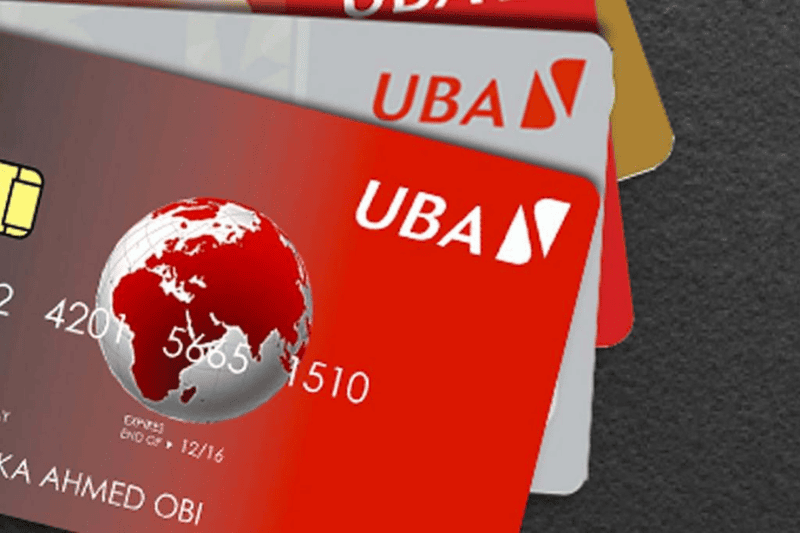
In this digital age, safeguarding your money is extremely important. If you lose your UBA ATM card or have a suspicion that your account might be compromised, you need to take swift action to prevent any possible fraud. There will be a few steps on how to block your UBA account and even your debit card official options from UBA to help you.
Why block your UBA account or ATM card?
Lost or stolen phone/card: Removes risk of any unauthorized transactions.
Suspected compromise: Blocks probable fraud.
Misplaced debit card: Blocks this vector before it can be used.
Keep Reading
How to block your UBA account or ATM card?
UBA offers a number of channels for blocking an account or ATM card depending upon your access to mobile or online channels:
Mobile banking app
Login to UBA Mobile App.
Tap on Cards.
Select the card to block and approve.
You will get a confirmation notification that it has been blocked.
USSD code (*919#)
To block your account: Dial *919*9# from your registered number.
To block your ATM card: Dial *919*10#
Follow prompts and wait for SMS confirmation.
Note: You have to go to the branch to unblock.
Online self‑service
Login to UBA’s internet banking.
Click on Cards, and click Block.
Confirm with your internet banking PIN.
You will receive a confirmation notification.
Customer Support Hotline
Call UBA’s customer line at +234 1 280 8822 or +234 1 280 8800
Have your account/card information ready.
Once verified the representative will block the card/account.
Branch Visit
Visit a UBA branch.
Present your ID and account particulars.
Request a block. You will receive a confirmation slip.
Chat banking with Leo
Reach UBA’s smart assistant Leo directly on WhatsApp or Facebook for quick account support.
Request block card or freeze account through the chat.
