
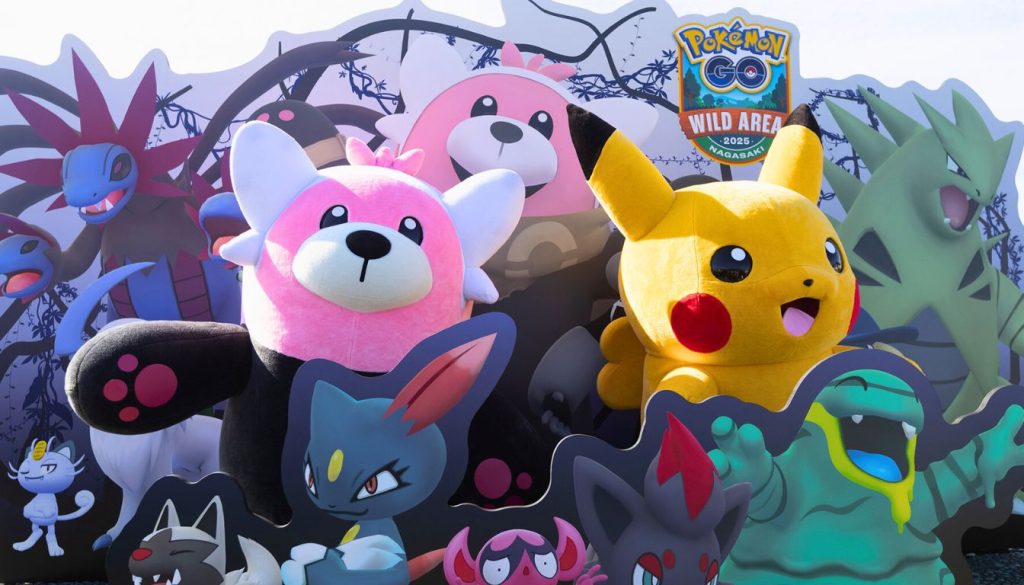
Pokémon games remain extremely popular among mobile gamers worldwide. One of the most widely played titles is Pokémon GO, which allows players to catch Pokémon in the real world using GPS and augmented reality technology.
If you are in South Africa and want to install Pokémon games on your smartphone, the process is simple. Whether you use an Android device or an iPhone, you can download and start playing within a few minutes.
Below is a step-by-step guide to help you install the Pokémon game easily.
How to Install Pokémon Game on Android
Most Android users in South Africa can download Pokémon games directly from the Google Play Store.
Steps to Install
- Open the Google Play Store on your Android phone.
- In the search bar, type Pokémon GO.
- Select the official game developed by Niantic.
- Tap the Install button.
- Wait for the download to finish.
- Open the game and sign in using your Google, Facebook, or Pokémon Trainer Club account.
Once installed, you can start exploring nearby locations and catching Pokémon.
How to Install Pokémon Game on iPhone
For iPhone users, Pokémon games can be downloaded from the Apple App Store.
Steps to Install
- Open the Apple App Store on your iPhone.
- Search for Pokémon GO in the search bar.
- Tap the official game listing.
- Press Get to begin downloading the app.
- Enter your Apple ID password or use Face ID if required.
- After installation, launch the game and create or sign in to your account.
The game will ask for access to your phone’s GPS and camera, which are needed for the augmented reality gameplay.
Basic Requirements to Play Pokémon GO
Before installing the game, make sure your device meets these requirements:
- A stable internet connection (Wi-Fi or mobile data)
- GPS enabled for location tracking
- Android 7.0 or later / iOS 14 or later
- At least 2 GB of RAM for smoother gameplay
These requirements help ensure the game runs smoothly without crashes.
Tips for New Players
If you are starting Pokémon GO for the first time, here are a few useful tips:
- Walk around parks and public areas to find more Pokémon.
- Visit PokéStops to collect Poké Balls and other items.
- Join raids to catch rare and legendary Pokémon.
- Play with friends to earn bonuses and rewards.
Exploring different locations in South Africa can make the game more exciting because new Pokémon appear in different areas.
Final Thoughts
Installing a Pokémon game on Android or iPhone in South Africa is quick and easy. By downloading Pokémon GO from the Google Play Store or Apple App Store, you can start your adventure and explore the world while catching Pokémon.
With its mix of augmented reality, exploration, and social gameplay, the game continues to attract millions of players around the world. If you enjoy outdoor gaming and collecting creatures, Pokémon GO is definitely worth trying.
