
The loss of an Android smartphone can be a source of anxiety but with all the advances in mobile apps, recovering your device is more likely than ever. Whether you have misplaced or had your device stolen, there are a variety of Android apps available today that are able to provide additional tools like real time GPS tracking, remote locking, alarms and some can even detect thefts. Android mobile applications can collaborate with your phone number, email sync, GPS location and IMEI tracking to help you when you lose your device. With the built-in features from Google and others to the rich features that third party applications offer, this article will review the top 7 free and paid apps that have solid security and tracking features to get your device back.
1. Google Find My Device
How to Access & Use:
1. Make sure your phone is signed into a Google account.
2. Enable Location and “Find My Device” through Settings > Security > Find My Device.
3. On another phone or a computer, go to google.com/android/find or download the Find My Device app.
4. Log in with your Google account associated with the lost / missing phone.
5. Find the lost device. You can now:
Ring your phone.
Find it on a map.
Lock it or wipe data remotely.
Download: Google Play Store
2. Life360: Family Locator and GPS Tracker
How to Get Started & Use:
1. Download the Life360 app from Google Play on your device.
2. Open the app and create an account.
3. Follow the steps to create a “Circle”, and invite your family members to join via code or link.
4. Make sure GPS/location is turned on for all devices.
5. Tap any person in your Circle to see their current location and history.
Keep Reading
3. Find My Phone: Family Locator
How to Access & Use:
1. Download the app from Google Play.
2. Sign up using your phone number.
4. Add other family members using their numbers.
5. To find a device, enter the number and click Search.
6. If GPS is enabled, their location will be shown.
4. Tracky: GPS location sharing
How to Access & Use:
1. Download Tracky through the Google Play store.
2. Sign up or log in to your account.
3. 4. Enter the phone number of someone you would like to track.
5. Purchase premium for elaborate location history.
6. You will be able to access real-time and historical location data via a map.
5. Phone Tracker by Number
How to get and use:
1. Download from Google Play.
2. Sign in with your phone number.
3. Dial the number of the device you want to track.
4. An SMS invite will be sent to the target device.
5. Once accepted, the target device will share live location on the dashboard.
6. Where’s My Droid
How to Access & Use:
1. Install from Google Play.
2. Open the app and create a secured account.
3. Enable commander mode for remote access, which you can do by using SMS or the on-line dashboard.
4. Use GPS flare, lock or wipe to secure your lost phone.
5. You can subscribe to have advanced features.
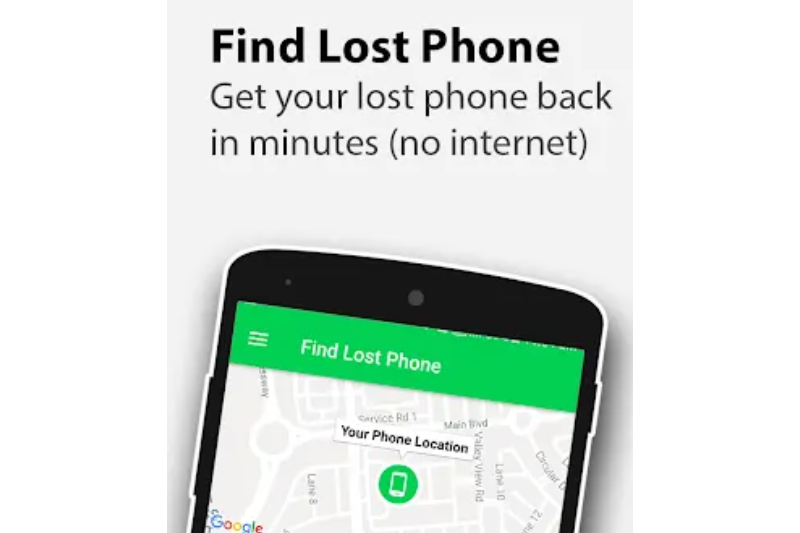
7. Find Lost Phone: Find My Phone
How to find and use:
1. Download the app and open
2. You can use these features:
Ring Silent Phone: Plays a loud ringtone to ring your silent phone
Get Lost Phone: Tells you the GPS location of your phone
Don’t Touch My Phone: Turns on the alarm and flashlight if someone touches your phone
Keep the app open in the background for continuous location tracking.
